Sold out, everywhere, at once
When the kacchi’s gone, it’s gone everywhere.
Tap Sold out at the pass. The counter, the waiters’ phones and the guest’s Menu stop selling it in the same moment.
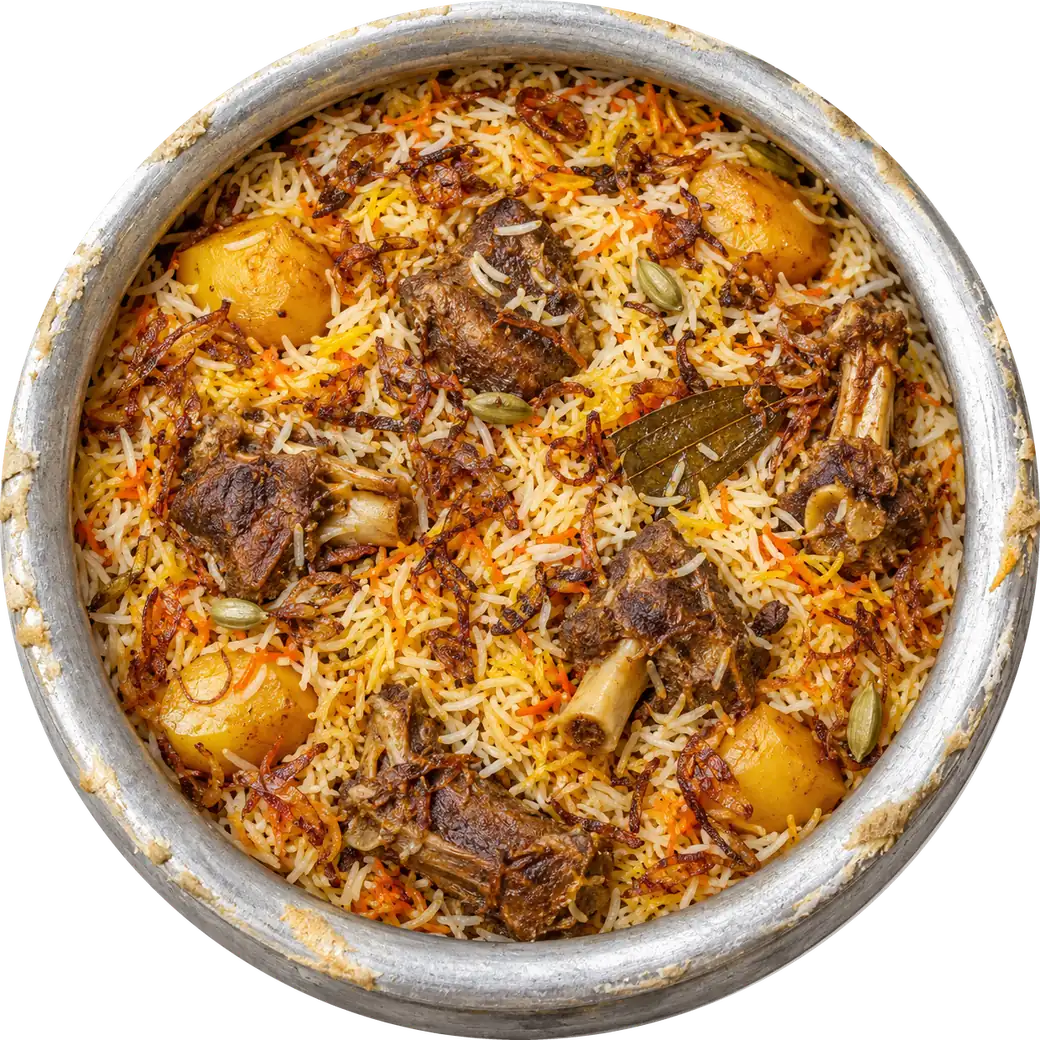
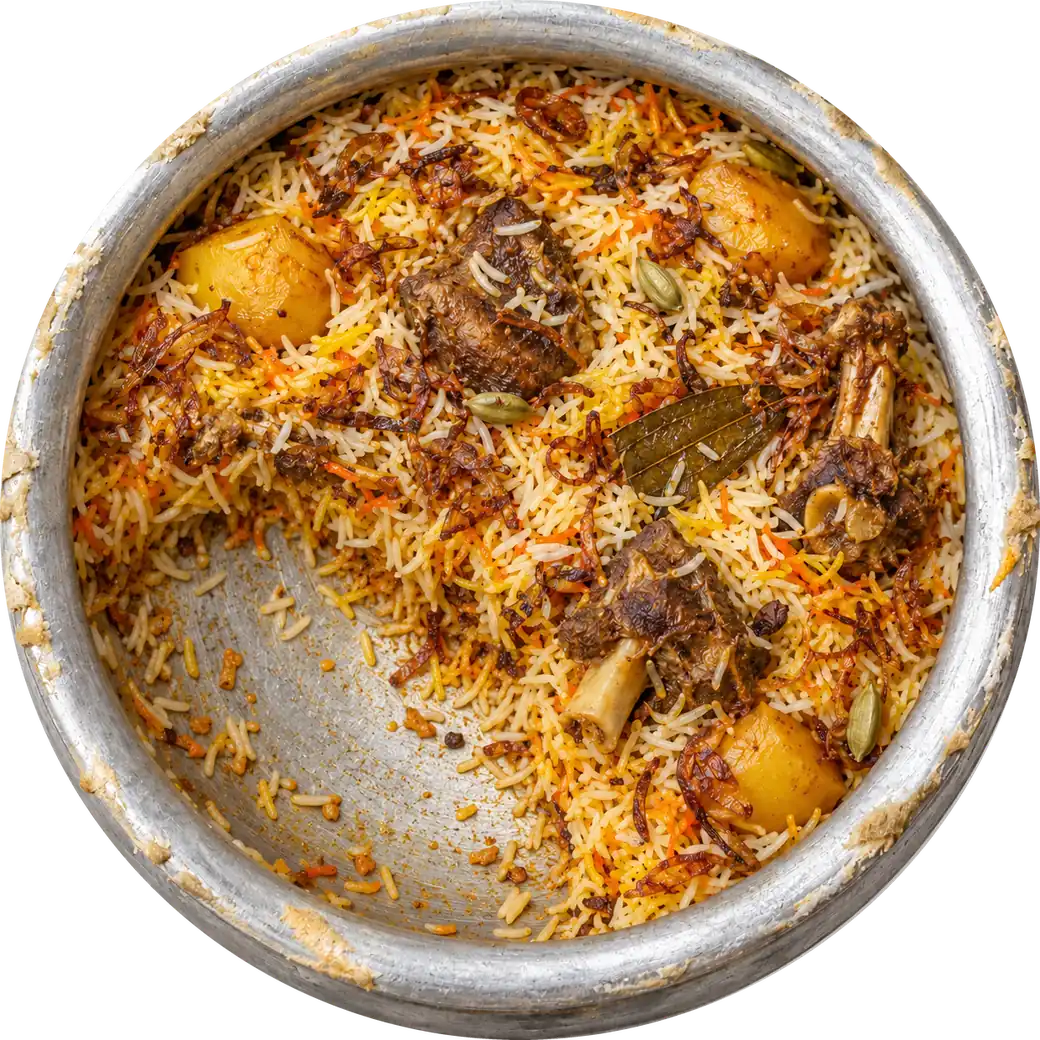
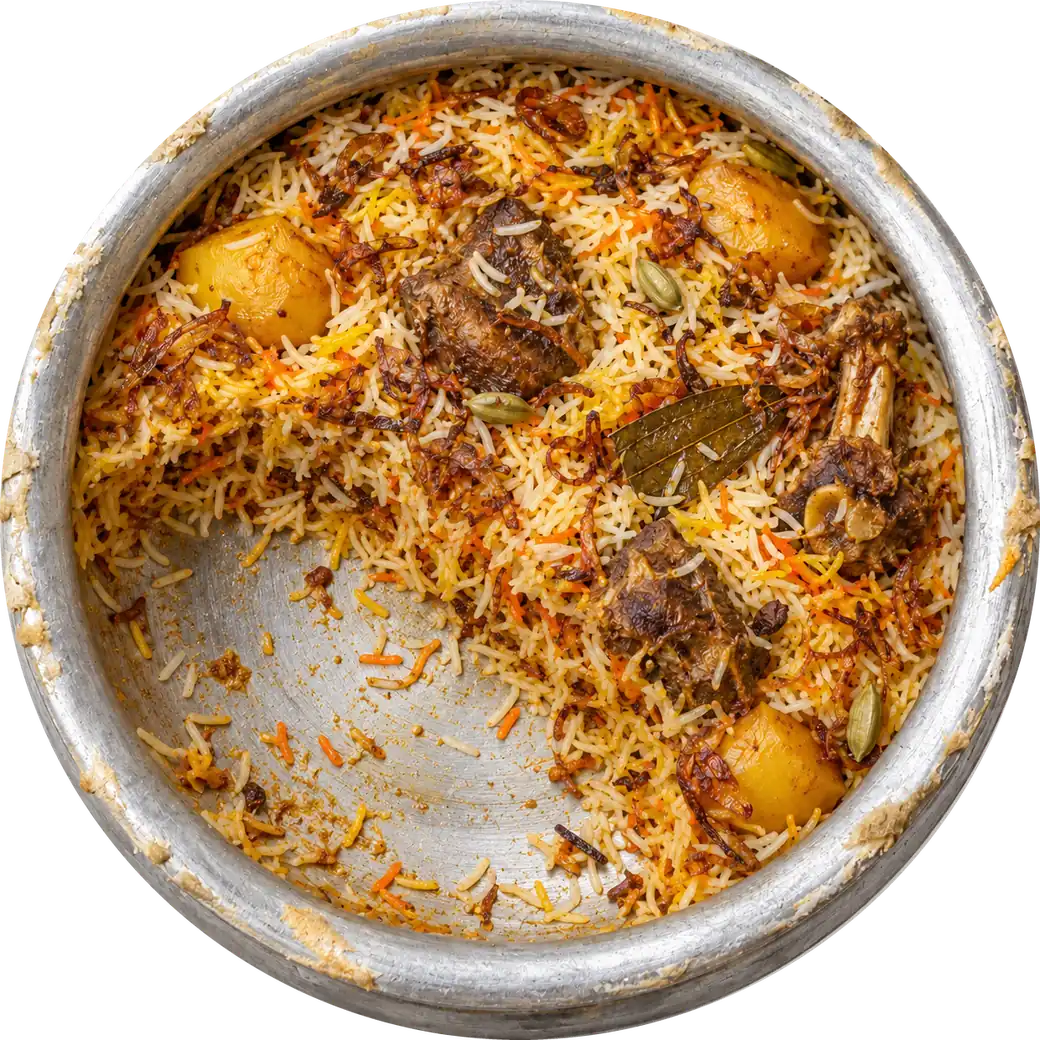
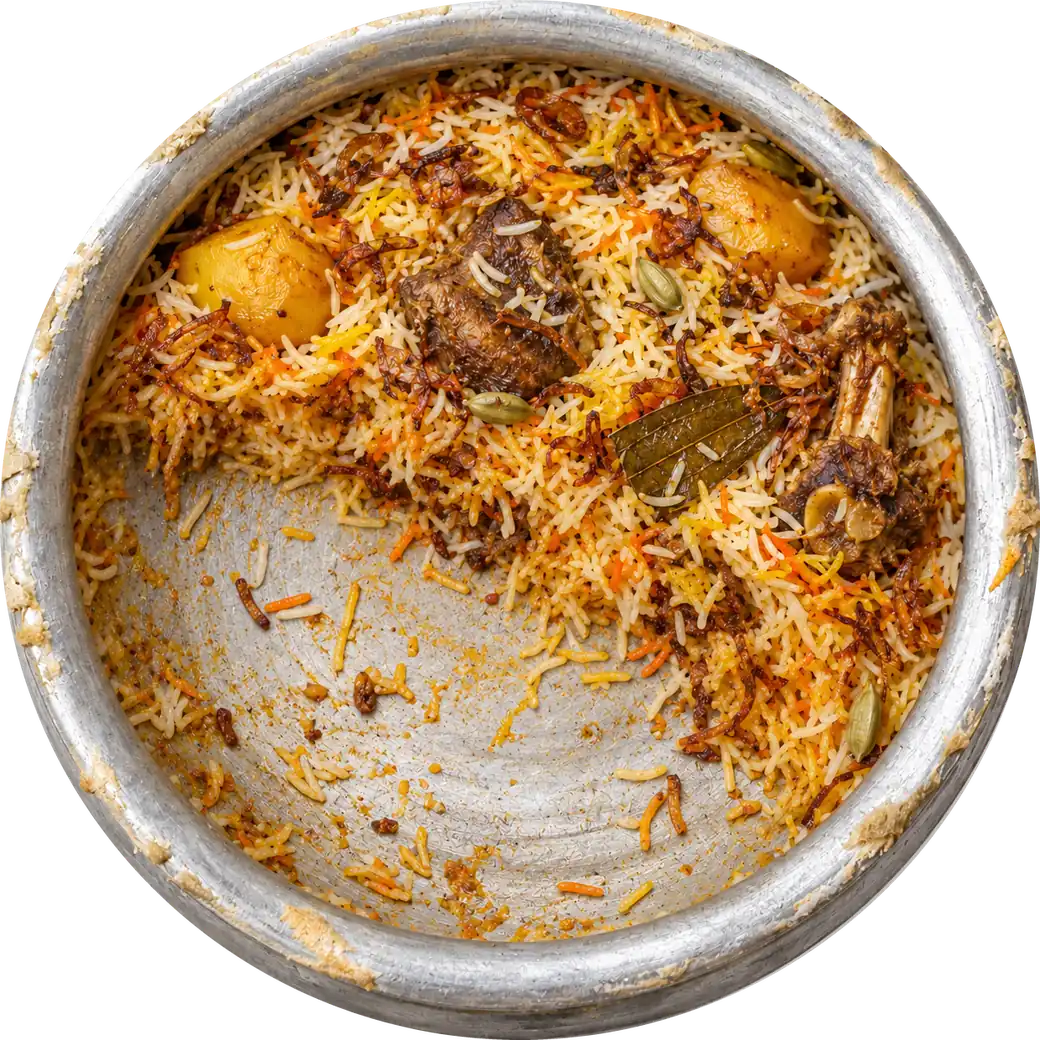
 শেষসরি ভাই, কাচ্চি শেষ।
Counter 1
Kacchi BiryaniOn saleSold out
Waiter phone 1
Kacchi BiryaniOn saleSold out
The guest’s Menu
কাচ্চি বিরিয়ানি৳420আজ শেষ
Hot Kitchen passশেষ?
কাচ্চি বিরিয়ানিKacchi Biryani
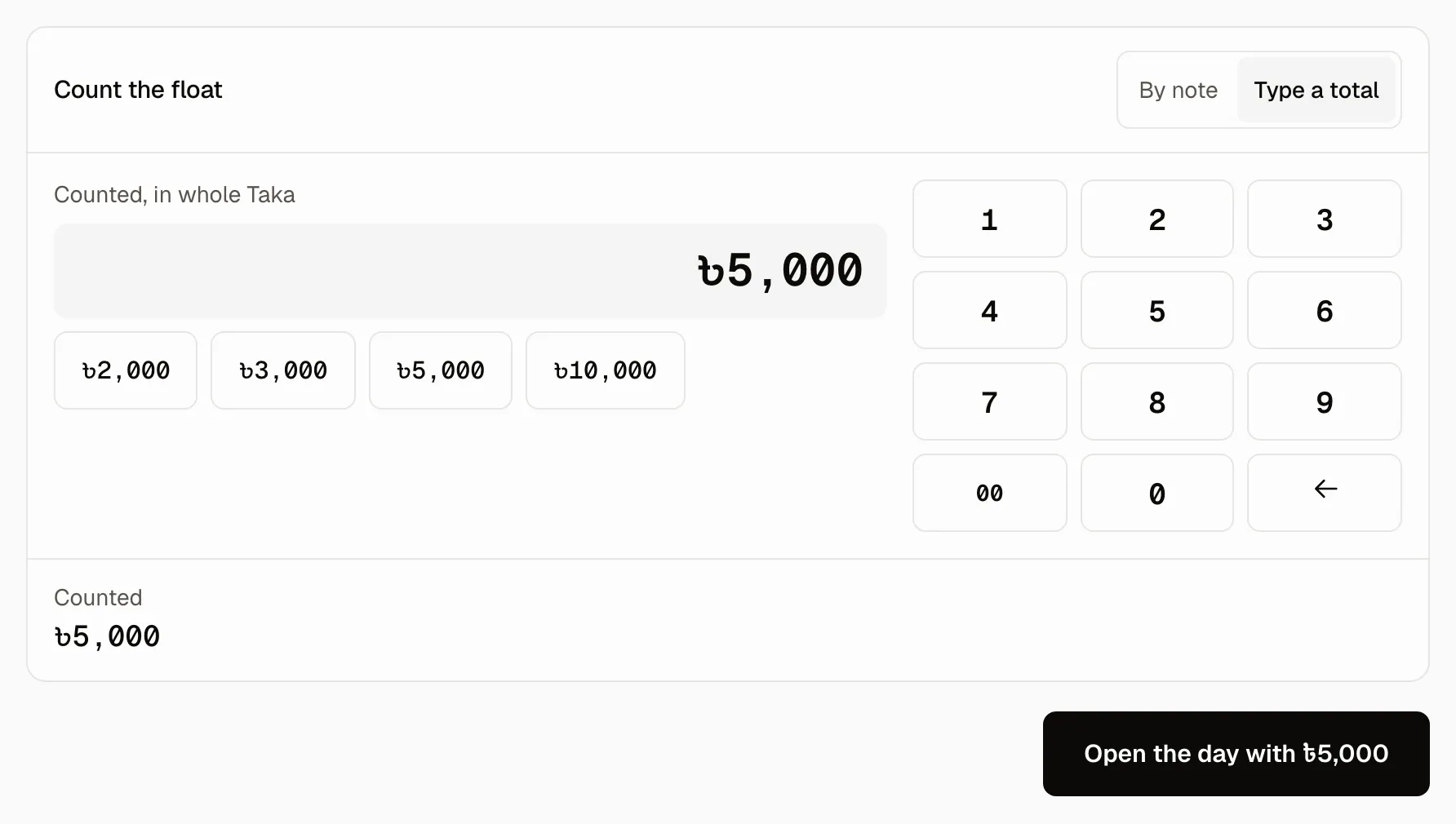
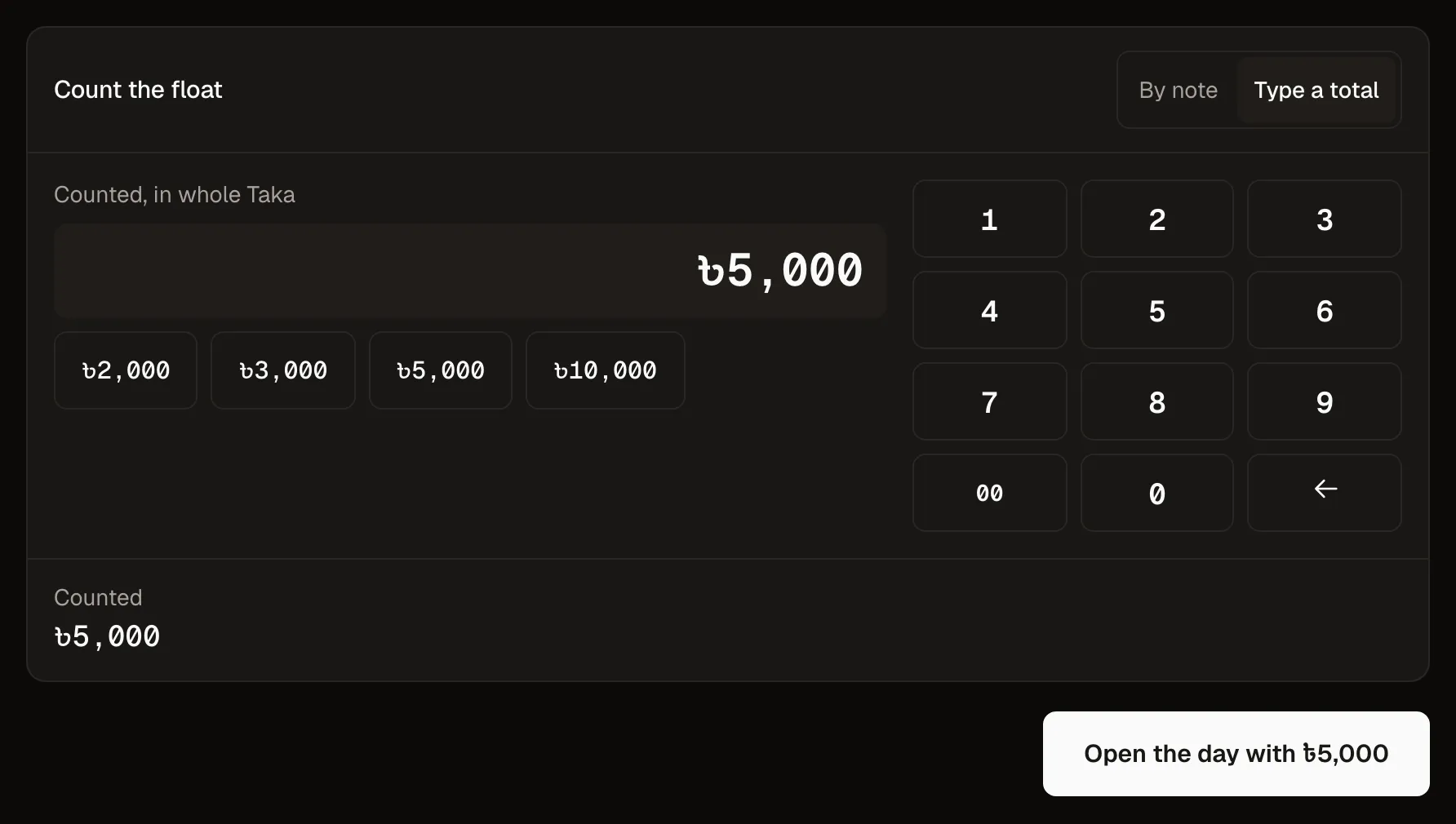
Mark sold outশেষ · Sold outCount the float. Open the day.
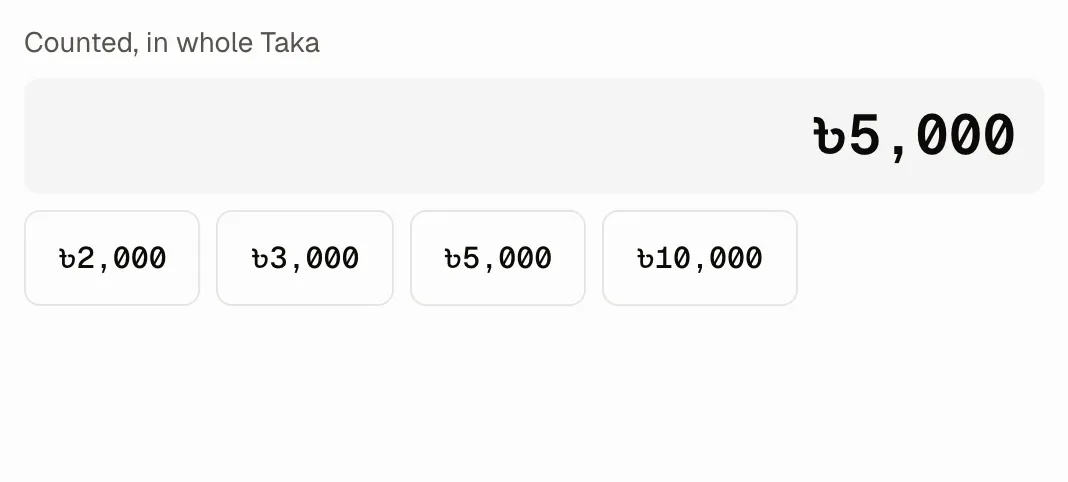
The cashier counts the Drawer note by note, the day opens on that figure, and every Terminal in the room works to it: the counter, the waiter's phone and the screen at the pass.
Bound to the day
- Counter 1
- Waiter phone 1
- Hot Kitchen pass
One party, five screens, one Ticket.
Two guests at G8. Watch the Ticket cross the room without anyone shouting it across.
Counter 1, the floor
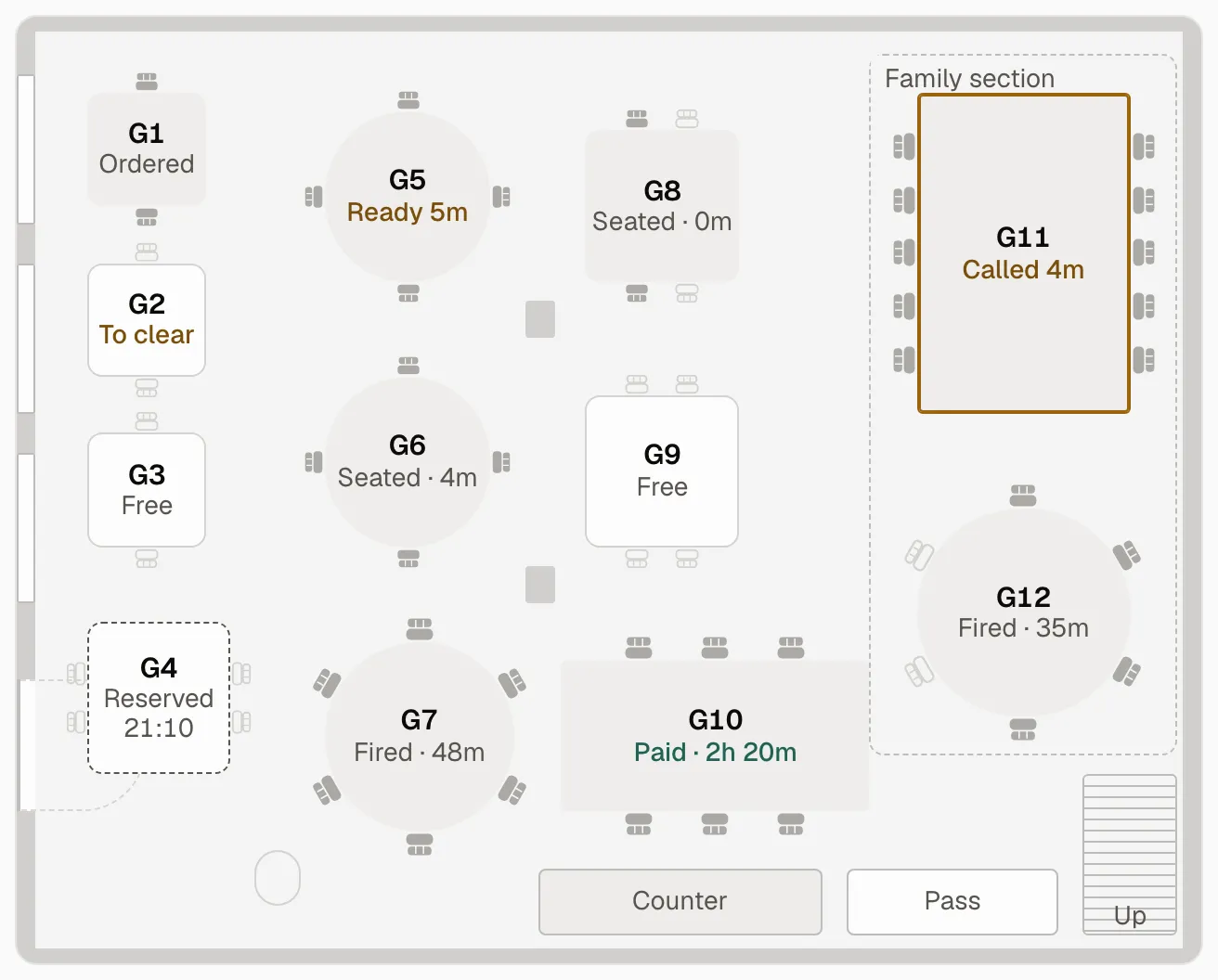
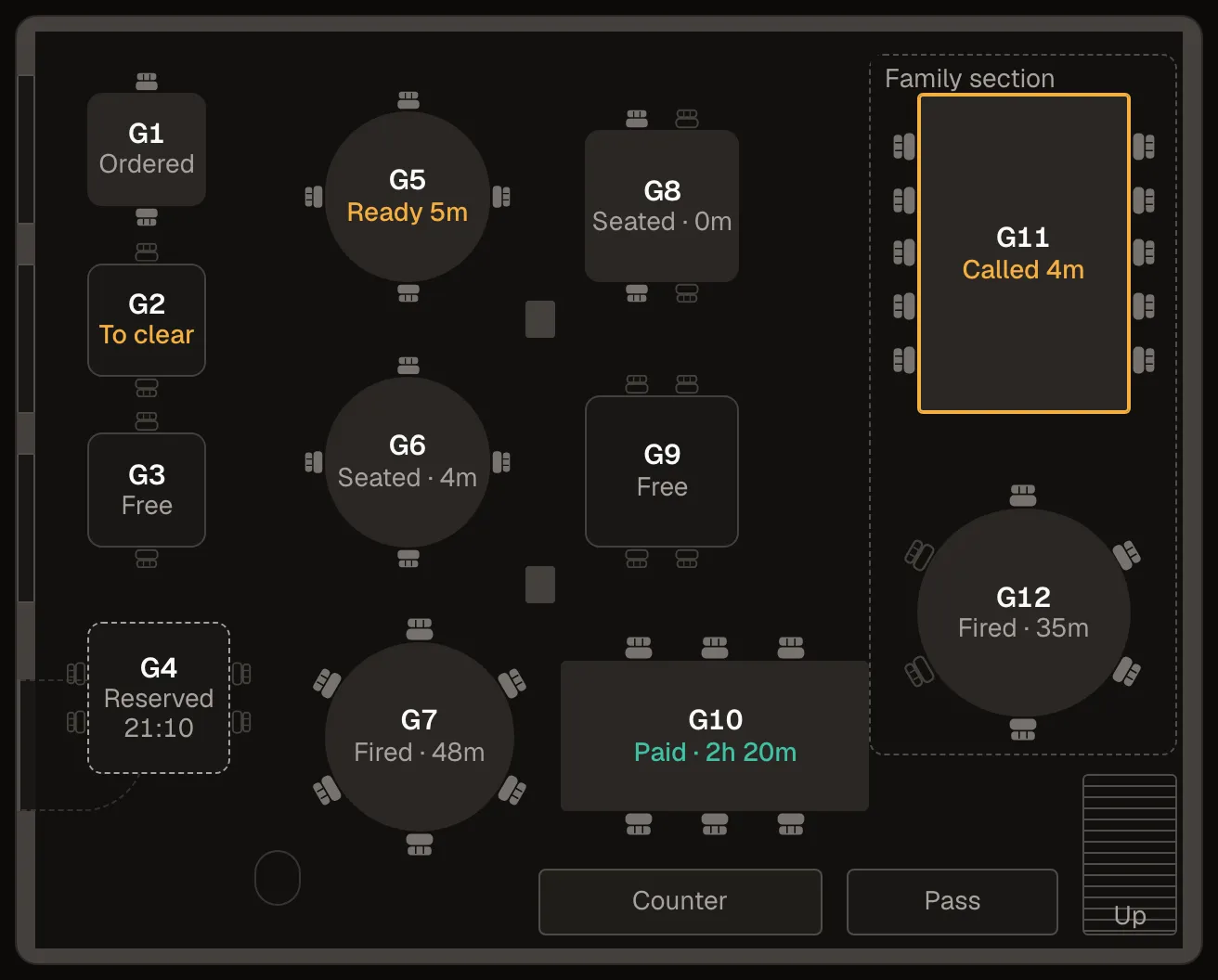
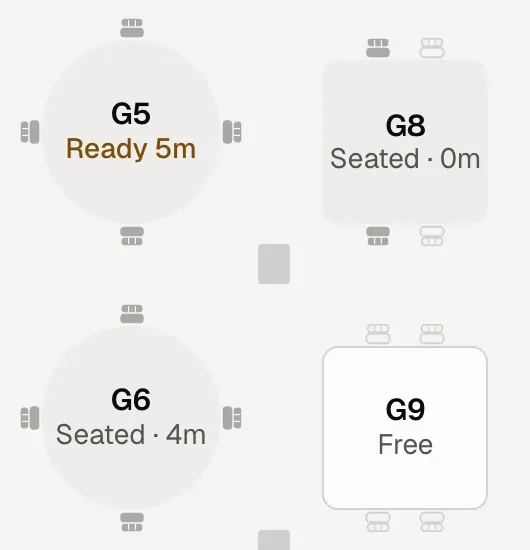
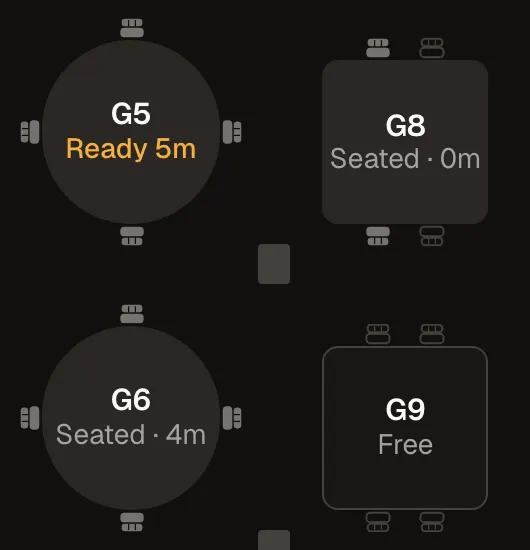
Two walk in. The waiter seats them at G8, and the floor at the counter shows it at once. Waiter phone 1
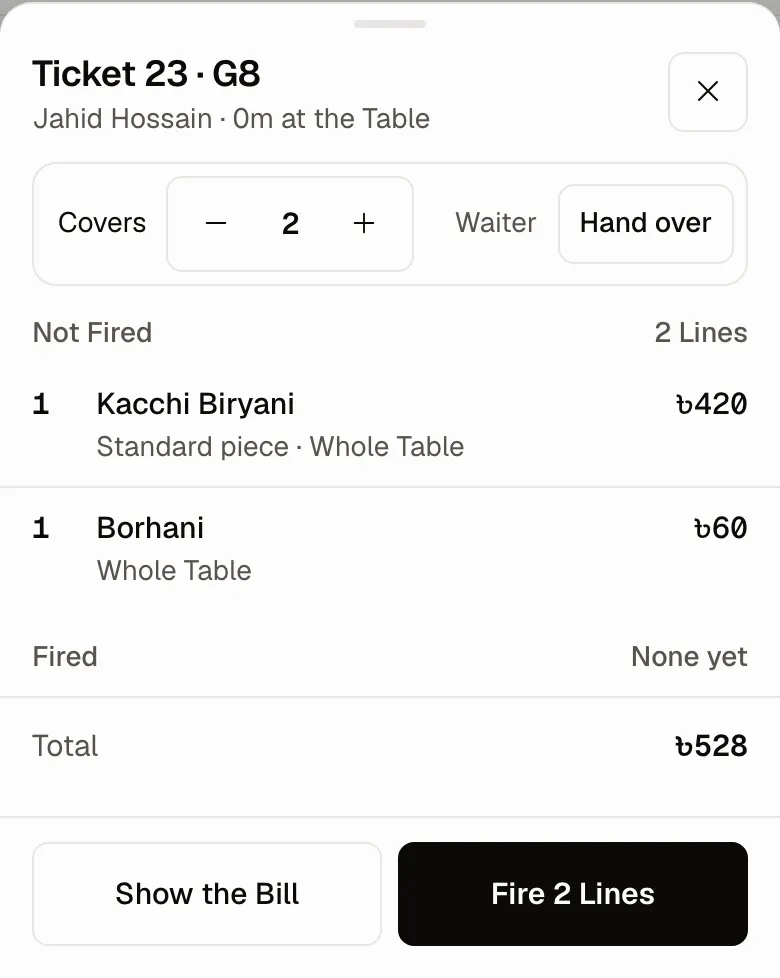
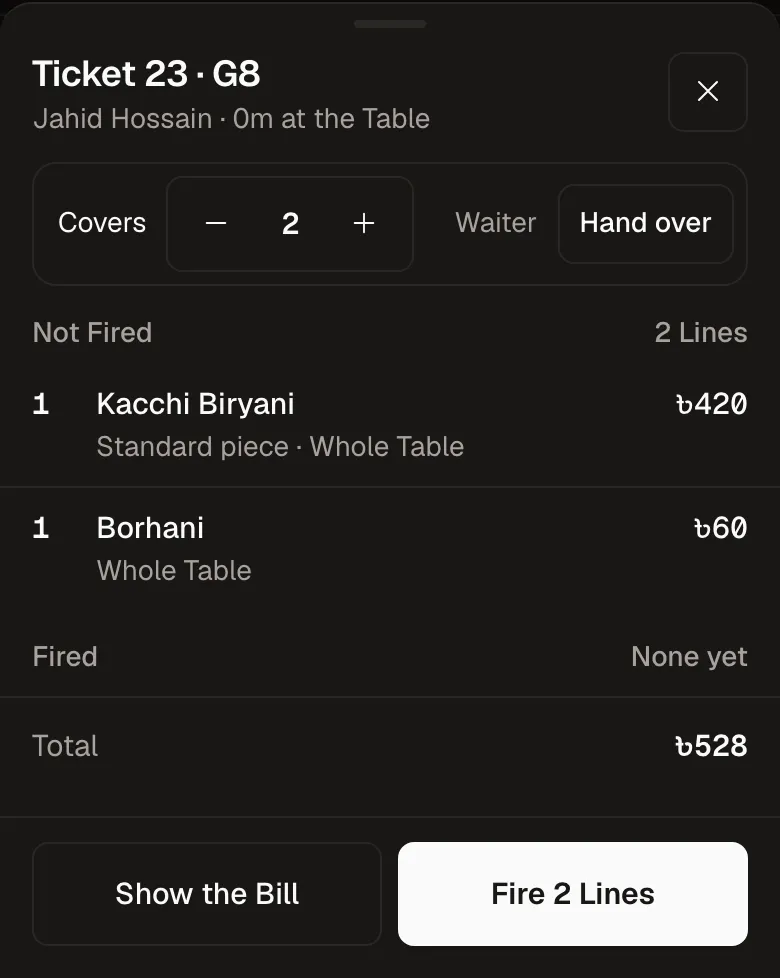
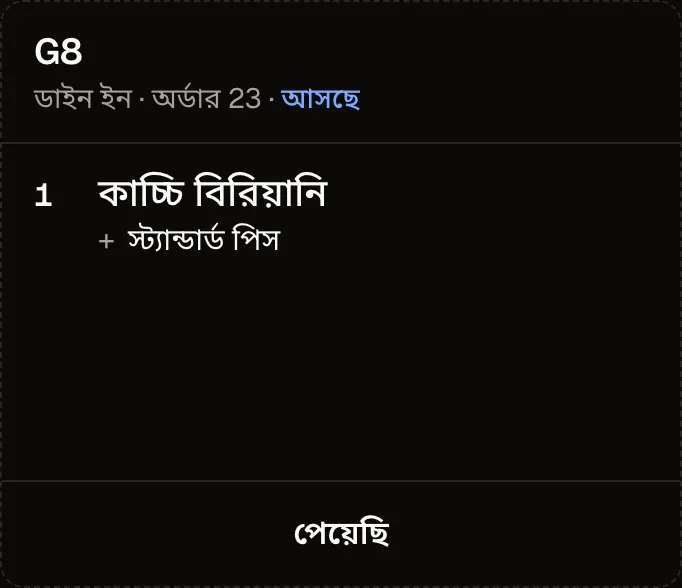
The waiter takes a Kacchi Biryani and a Borhani at the Table and Fires them from the phone. Hot Kitchen pass
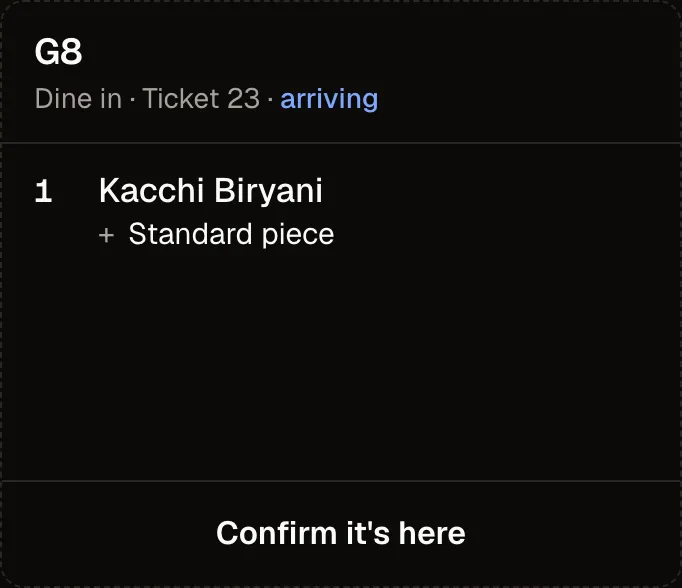
The card lands on the screen at the pass. The cook confirms it, cooks, and bumps it Ready. Waiter phone 1
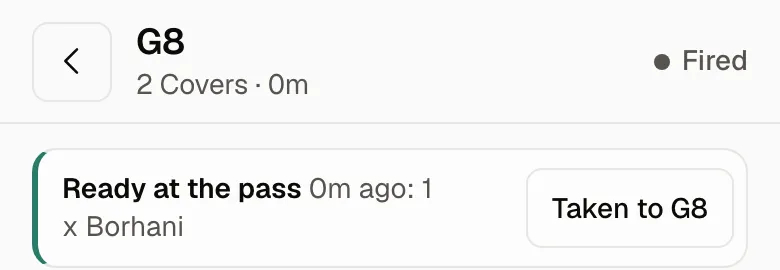
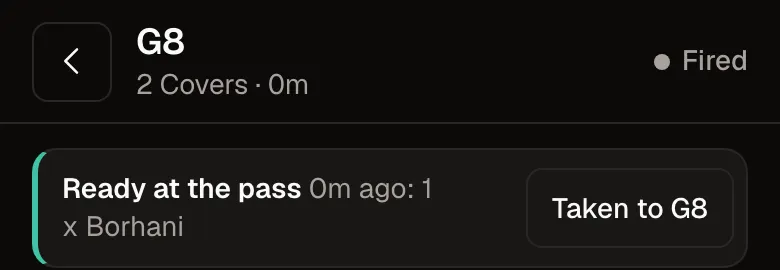
The phone says what is ready and for which Table. The waiter takes it out. The guest's own phone
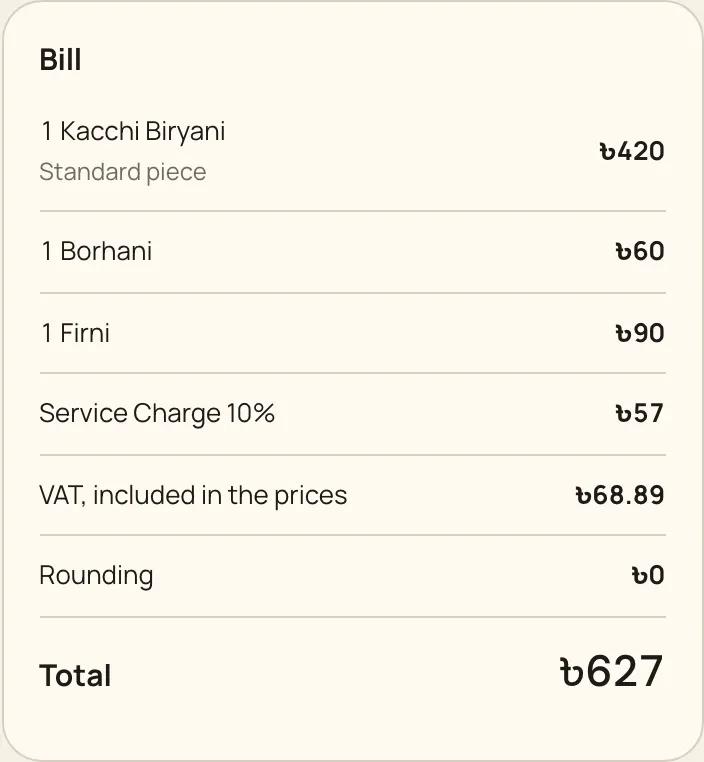
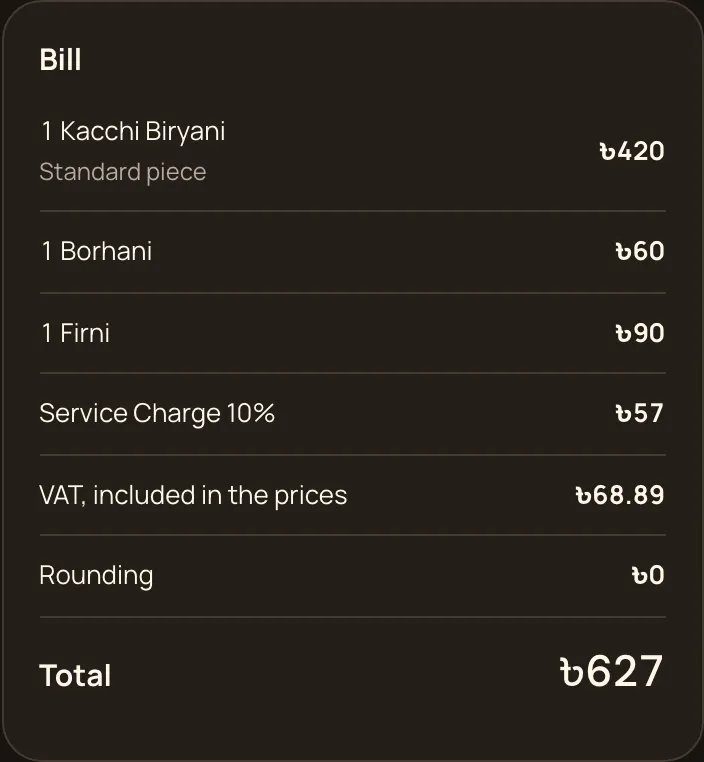
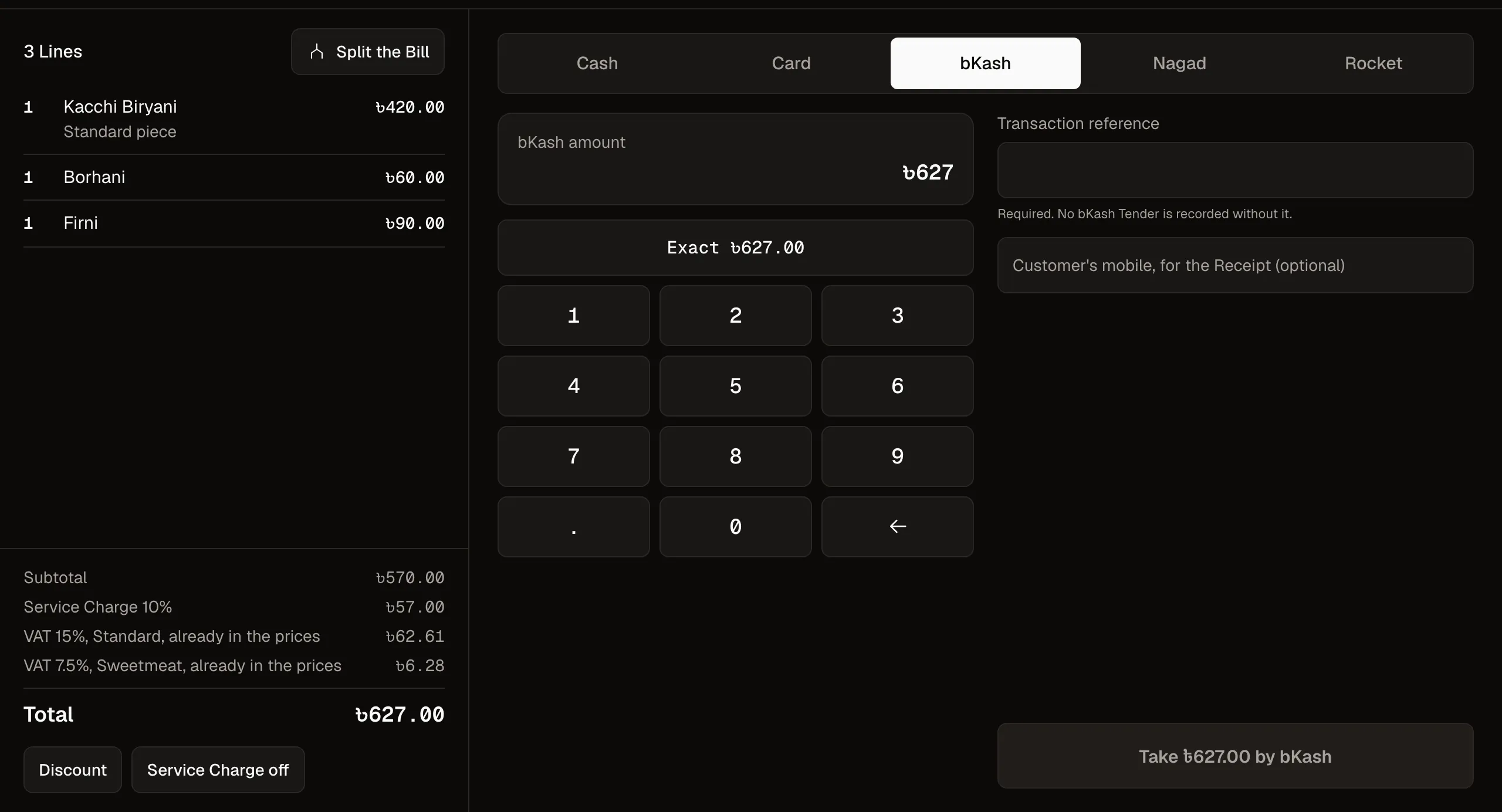
The guest reads the itemised Bill on their own phone, and pays at the counter.
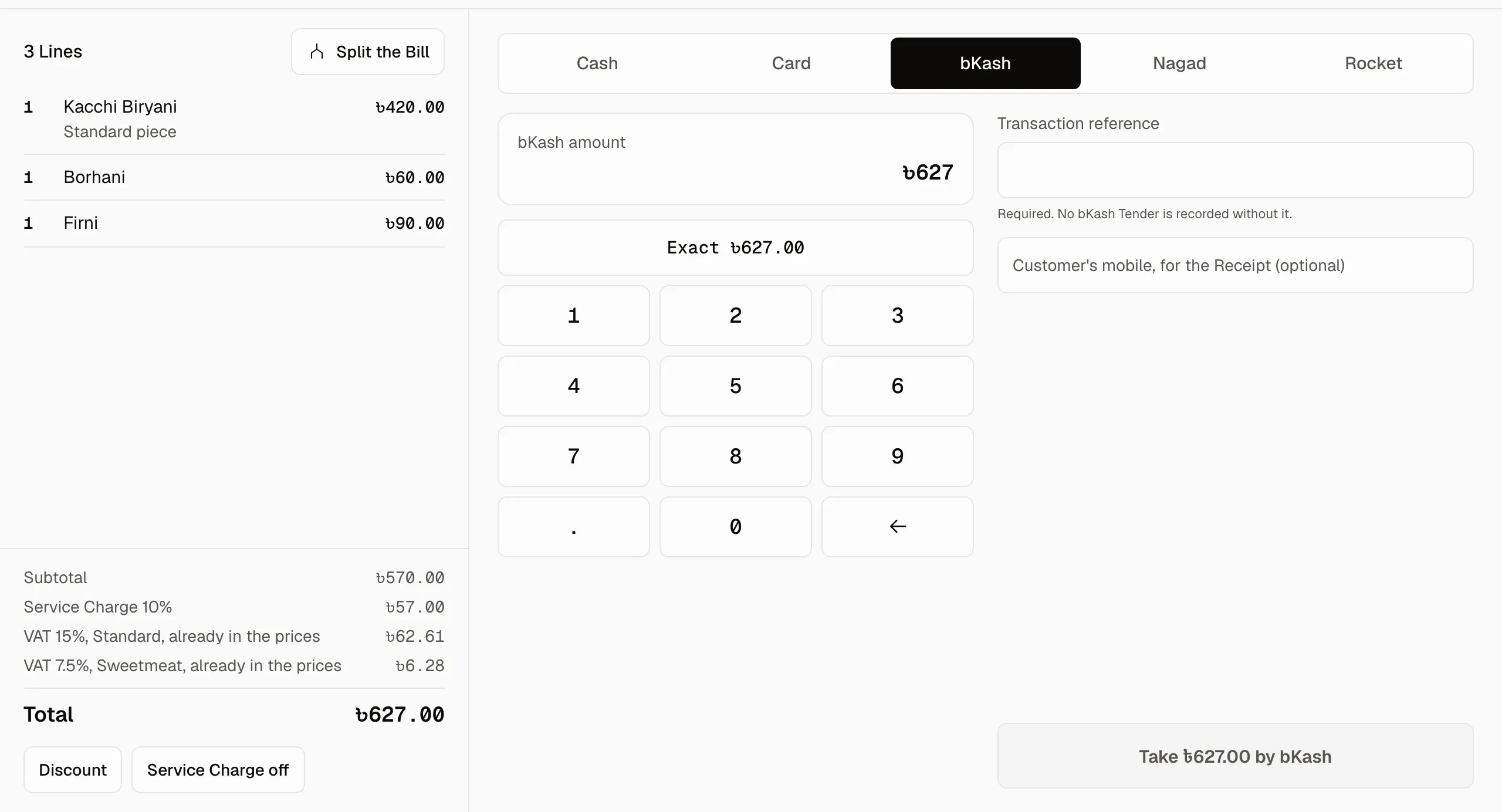
One Bill, every way to pay it.
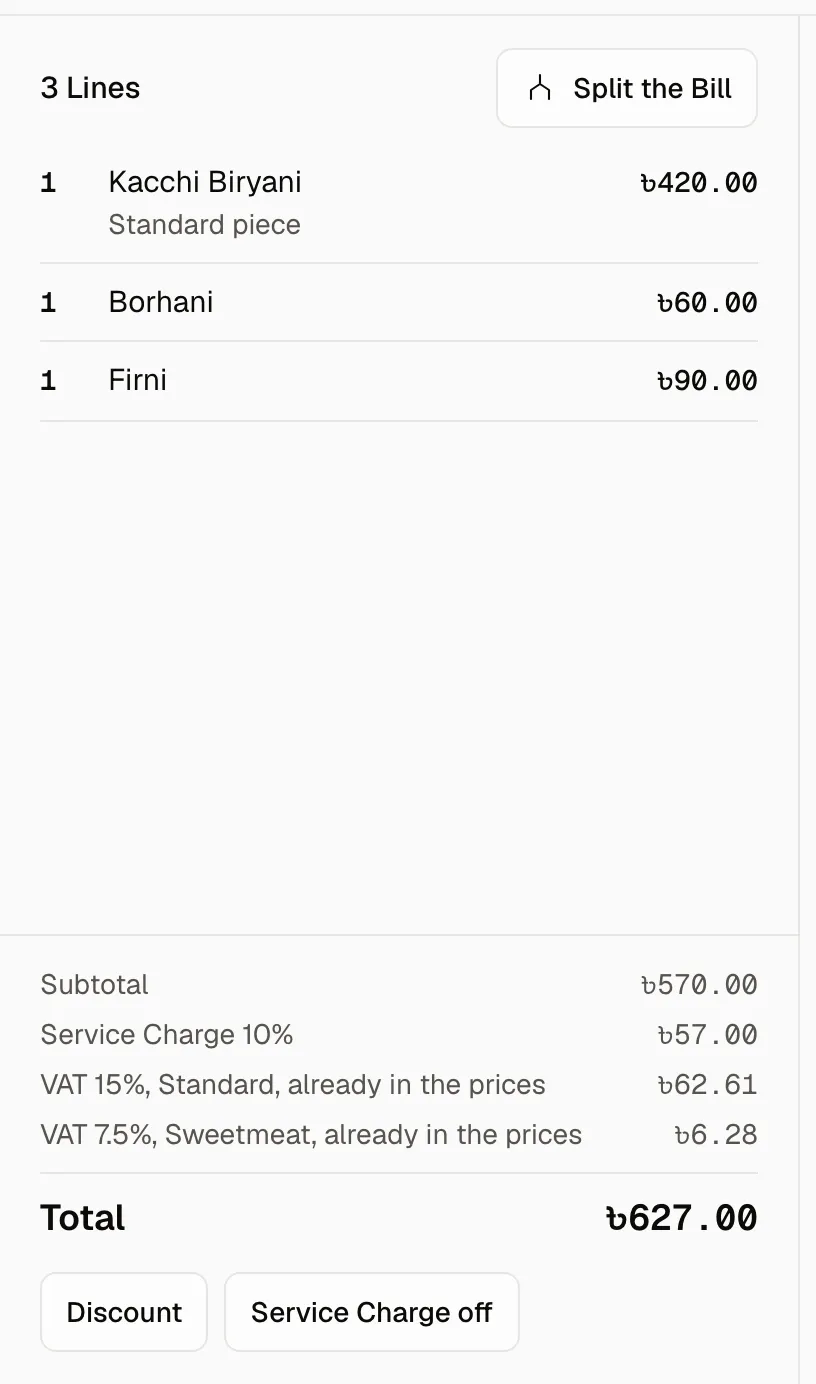
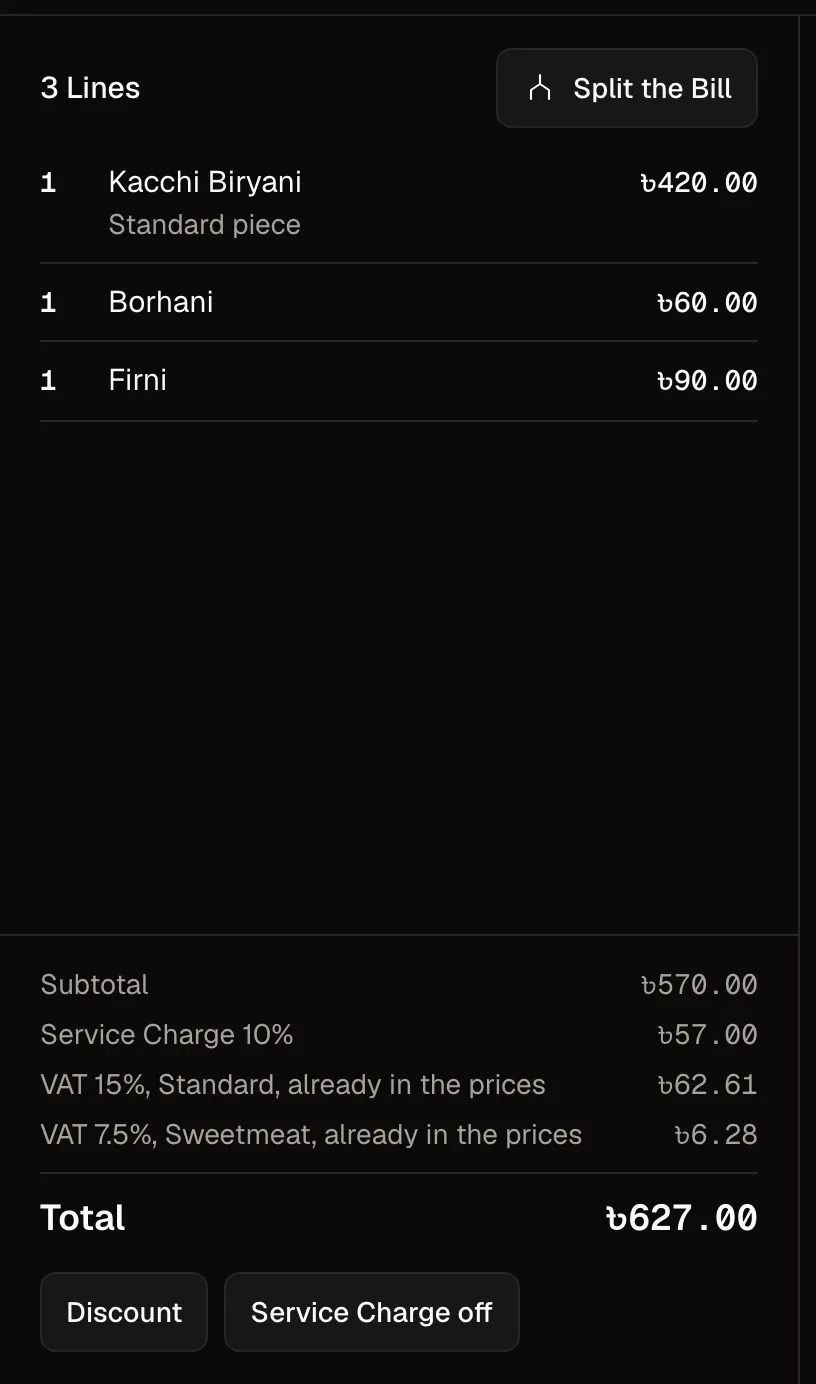
Cash, card, bKash, Nagad or Rocket, and more than one on the same Bill. Split it and whole Lines move between Bills, so every Line is paid exactly once.
Counter 1, G8's Bill
স্টাফ যে ভাষায় কথা বলে, Qrunchy-ও সেই ভাষায়।
Qrunchy works in the language your staff speak.
Every Item carries its Bangla name beside the English one, and one tap turns the whole pass into Bangla.
মামা, দুইটা কাচ্চি, একটা বোরহানি!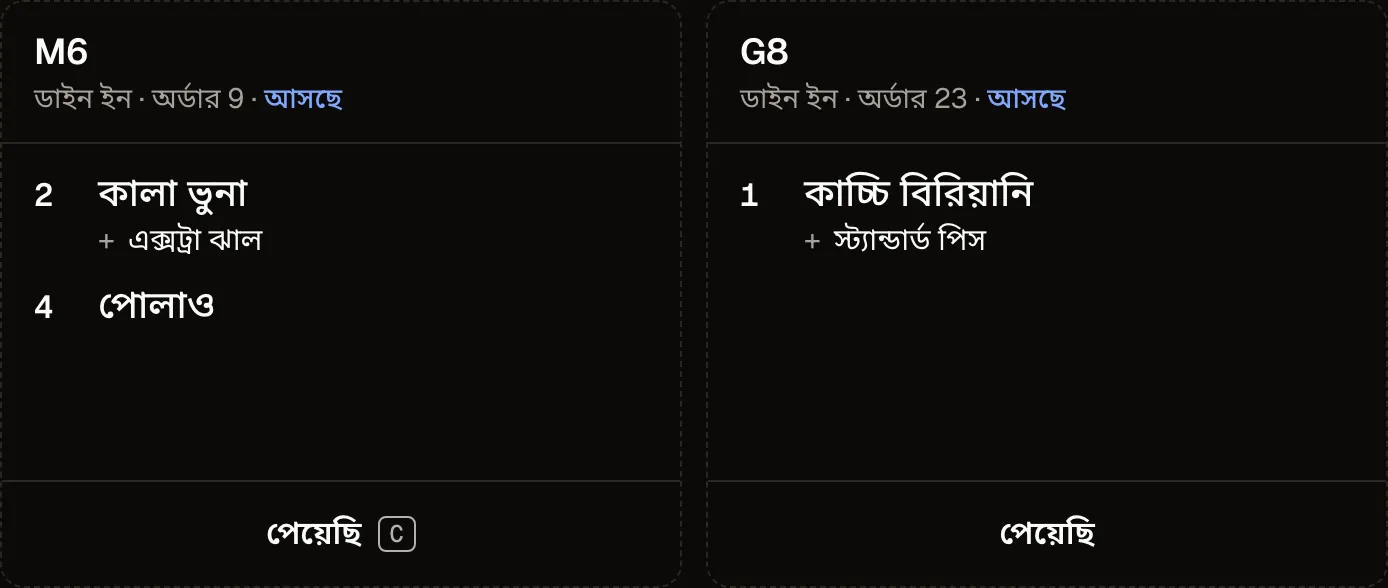
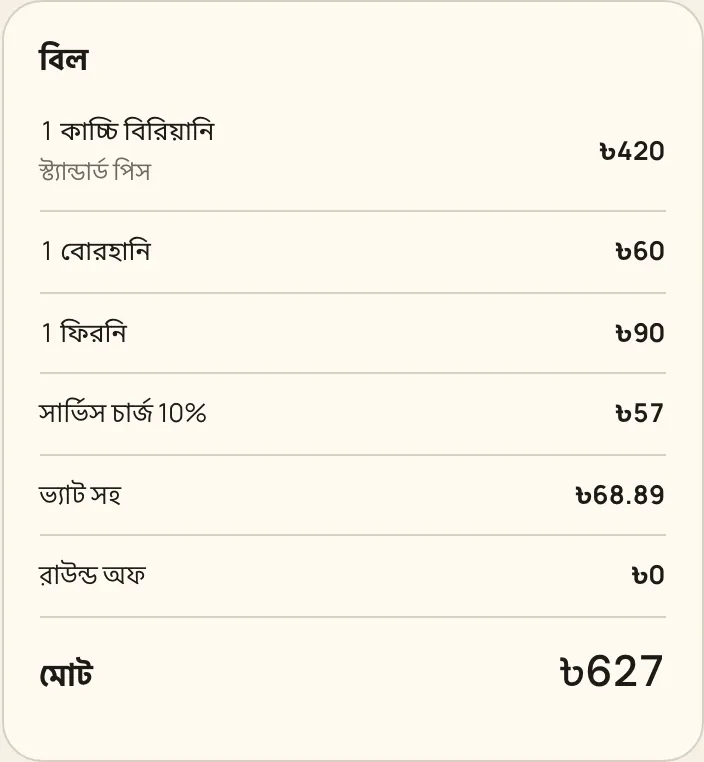
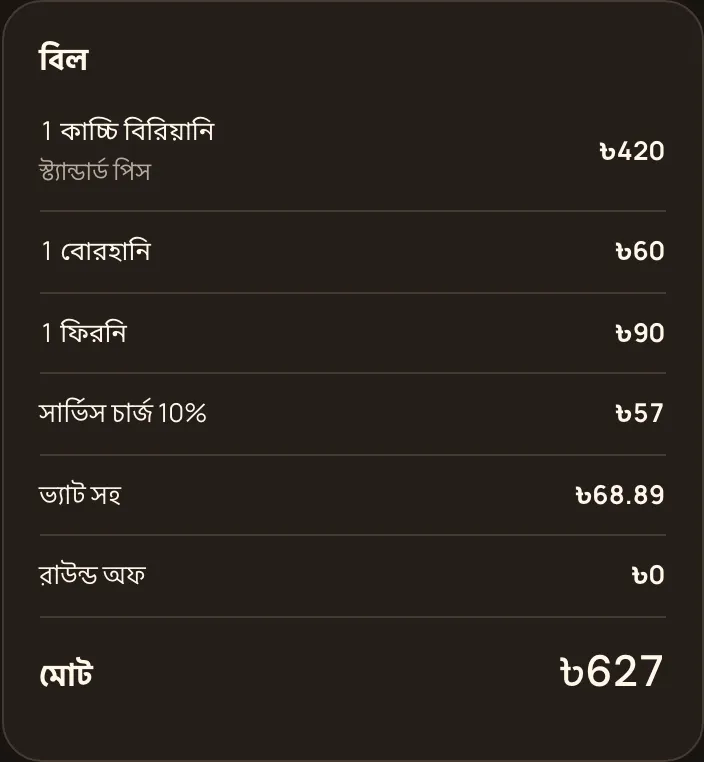
Sold out, everywhere, at once.
Mark an Item sold out at the pass. The counter, the waiter's phone and the guest's Menu stop selling it in the same moment.
সরি ভাই, কাচ্চি শেষ।Tap an Item to mark it sold out
- Kacchi Biryani৳420On sale
- Beef Tehari৳280On sale
- Morog Polao৳300On sale
- Beef Sheek Kebab৳180On sale
- Kacchi Biryani৳420
- Beef Tehari৳280
- Morog Polao৳300
- Beef Sheek Kebab৳180
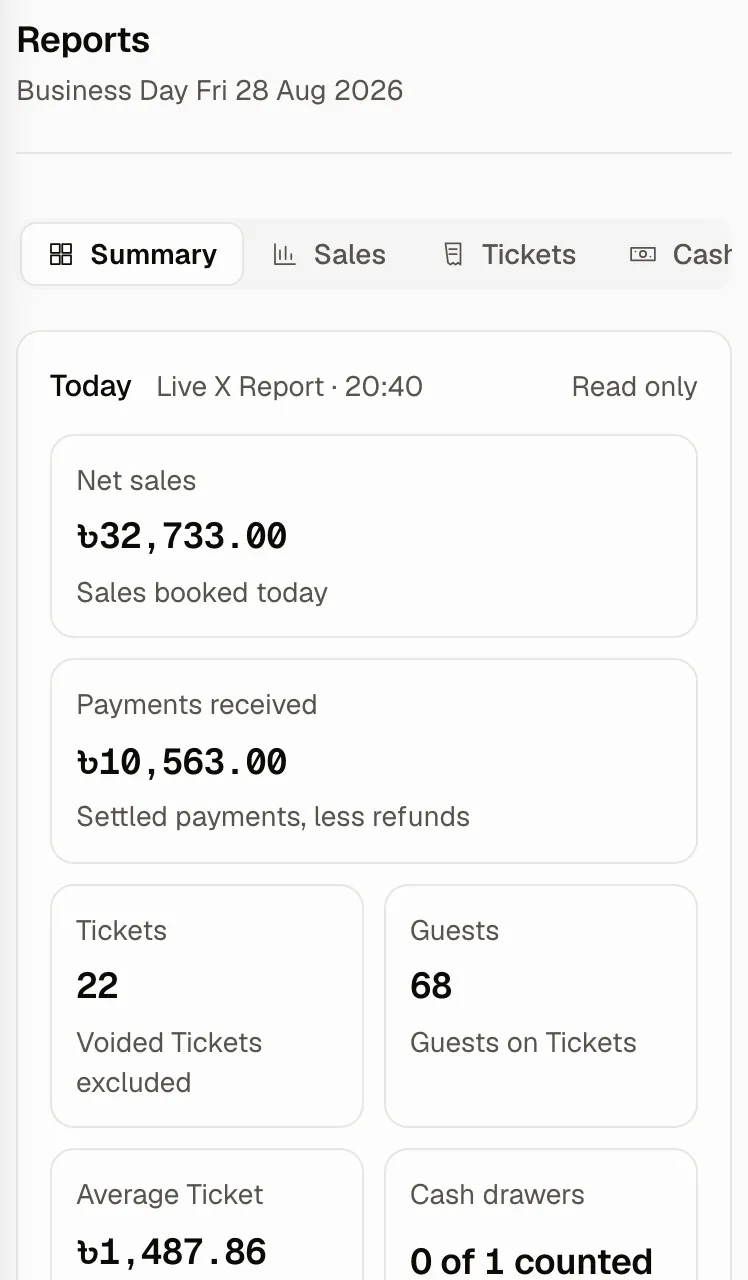
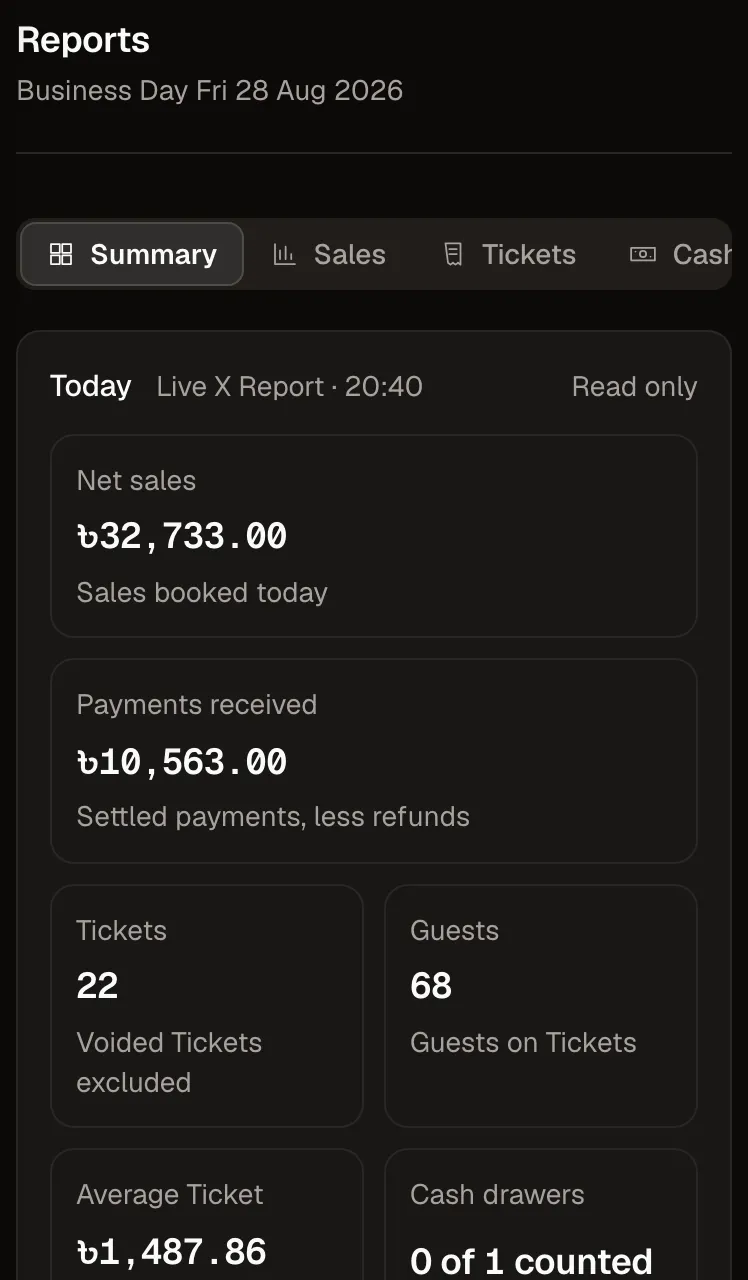
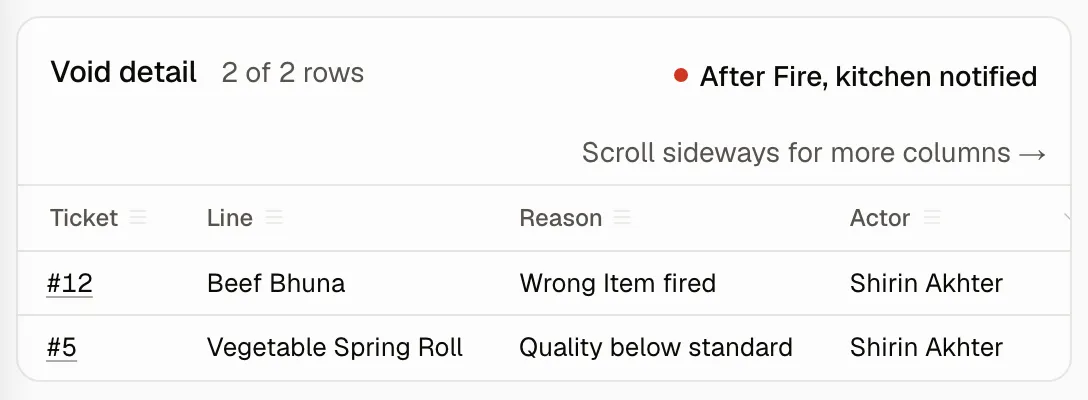
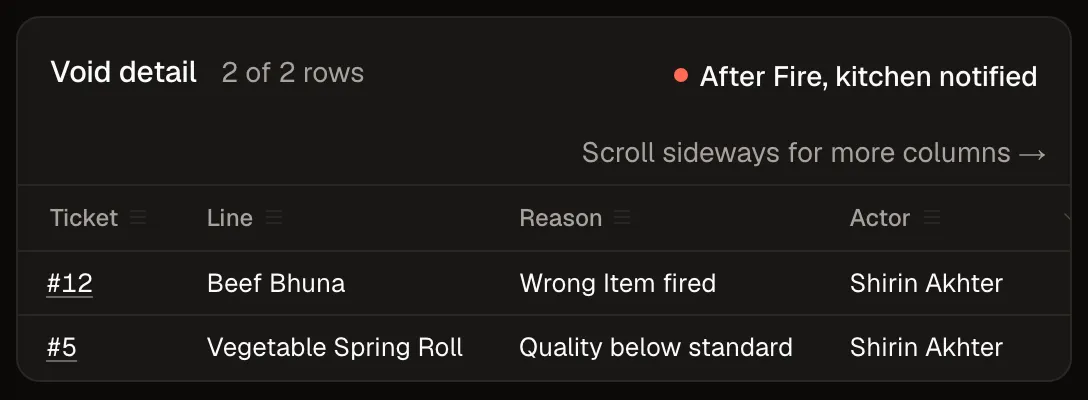
Live figures, and every Void by name.
The Back Office reads the day as it runs, on a laptop or a phone on the shop's own network. A Line the kitchen has cooked can only be Voided with a reason and a manager's PIN, the pass is told, and the corrections report says who did it and why.
Back Office, on a phone
Back Office, the corrections


Count the cash until it reads Balanced.
Tap the notes into their piles. Counted closes on Expected, and when they meet the day closes into its Z Report.
Tap a note to add it to its pile. Tap a pile to take one back.
Pricing. One Outlet, one price.
Pay by the month, or by the year and get two months free. Every plan starts with a visit to your counter.
Counter
৳1,499 a month
৳14,990 a year
For cafés and counters.
- The counter: Tickets, Items and the Bill
- Cash, card, bKash, Nagad and Rocket on one Bill
- Mushak 6.3 Receipts
- Day Close with a cash count and the Z Report
- Sold out on every screen at once
- Bangla
- Back Office reports
- Voids by name
1 Outlet, 1 counter
Counter visit ৳3,000
Counter visit free
Book a counter visitKitchen
৳2,999 a month
৳29,990 a year
Everything in Counter, plus the kitchen.
- Fire to the kitchen screen
- Options and Modifiers on every Item
- Split a Bill by Item or equally
- Voids and Discounts per person
- Token numbers
1 Outlet, up to 3 counters, 1 kitchen screen
Counter visit ৳5,000
One counter visit included
Book a counter visitThe pick for a dine-in restaurantThe pick for dine-in
Restaurant
৳4,999 a month
৳49,990 a year
Everything in Kitchen, plus the floor.
- Tables and the floor
- Bookings
- Waiters' phones
- Guest QR ordering
- Split a Bill by Seat
- Manager sign-off on Voids
- Restaurant themes
1 Outlet, 3 counters, unlimited kitchen screens and phones
Counter and floor-setup visits ৳5,000 each
Counter visit and floor-setup visit included
Book a counter visitCustom
Talk to us
For several Outlets, a central Menu, delivery apps and stock, with a team on site.
We are piloting with chains now. Book a call and we will tell you where it stands.
Book a call
30-day trial on every plan. Hardware at cost, or use your own printer.
See everything every plan runs on47 things in 8 groups
One Catalog and one Ticket under all of it. What the first release does, by the part of the restaurant that uses it.
Counter7
- Tap, search or scan to add an Item
- Keyboard shortcuts for the whole counter
- Option Groups, with No, Half and Extra
- Kitchen Instructions on any Line
- Held Tickets: park one, start the next
- Token numbers for takeaway
- Cancel before Fire, Void after
Kitchen7
- Fire from the counter or a waiter's phone
- The pass, one card per Ticket
- Bump a card to Ready
- A screen for each Station
- Courses marked on the card
- A Void reaches the pass as a cancellation
- Sold out on every screen at once
Floor & bookings6
- A floor plan you draw: Tables, walls, doors, Zones
- Every Table's state at a glance
- Waiters' phones that take and Fire Lines
- Transfer a Ticket to another Table
- Bookings and a waitlist
- A Table stays dirty until someone wipes it
Guests5
- The Menu from the Table's QR, with photos
- Ordering from the Table, accepted before it Fires
- Booking a Table from their own phone
- Your restaurant's own theme
- Bangla or English, the guest's pick
Money7
- Cash, card, bKash, Nagad and Rocket on one Bill
- Split by Item, by Seat or equally
- Service Charge, VAT and Rounding, each on its own line
- Discounts, Comps and Refunds, each with a reason
- Mushak 6.3 Receipts, sent digitally
- The Drawer float, cash in and cash out
- Day Close with a count, X and Z Reports
People5
- PIN sign-in on a shared Terminal
- Roles that decide who may Void, Discount or Refund
- Manager Override without signing anyone out
- Shift handover with a count
- Voids, Comps and Discounts by name
Back Office6
- Today's figures, live, on the owner's phone
- Sales by Item, Category, Tender and staff
- Every past day and every Ticket, looked up
- CSV export of any report
- The Menu, its Option Groups and photos in one place
- Set up from your own menu file
Bangla4
- Every Item with a Bangla name
- The pass in Bangla with one tap
- The guest's Menu in Bangla
- Bangla names read in from your menu file
And it grows with you: more Outlets, delivery apps and stock are piloting now.
From the founder
The machine at the counter was built to print a total. It never saw the Table and never heard the kitchen, and we are building the thing that does. If it ever asks you to change how your kitchen works, we got it wrong.
What it runs on
- An Android phone or a laptop at the counter.
- A screen at the pass.
- The network you already have.
- No printer. Receipts are digital.
Asked in the first five minutes
What happens when the internet drops in the middle of service?
The counter keeps taking Tickets and the pass keeps receiving them over your own network. When the line comes back, nothing has to be entered again.
Do I need a printer?
No. The kitchen reads its Tickets on the screen at the pass, and Receipts are digital. Printing is not in the first release.
Do my staff have to work in English?
No. The pass and the guest's Menu read in Bangla, and every Item carries its Bangla name on the counter.
How does setup work?
We come to your Outlet, put your Menu in, bind the counter, the phones and the pass, and walk your staff through it.
What does it cost?
From ৳1,499 a month for one counter, up to ৳4,999 a month for a restaurant with tables, waiters' phones and guest ordering; the plans are above. Every plan starts with a 30-day trial.
Book a counter visit.
We come to your counter, put your Menu in, and walk your staff through the day on your own Items.
- Hours
- Saturday to Thursday, 10:00 to 23:00. Friday, 16:00 to 23:00.